
Custom Enrichments
Custom Enrichments
In addition to built-in sources, custom enrichments allow you to create your own integrations with external APIs and threat intelligence feeds. Write TypeScript code that runs in a secure Deno sandbox to fetch, transform, and store enrichment data.
Overview
Custom enrichments support two modes:
| Type | Description | Use Case |
|---|---|---|
| Enrich at Ingest | Periodically fetches data and stores it in ClickHouse dictionaries for automatic log enrichment | TOR exit nodes, IP blocklists, threat feeds |
| AI Agent Lookup | Called by AI agents (e.g., Triage Agent) during automated investigation | VirusTotal, Shodan, WHOIS lookups |
Creating a Custom Enrichment
This walkthrough uses blocklist.de (a free IP blocklist) as a real-world example.
Open the Marketplace and start the wizard
Navigate to Marketplace in the left sidebar:
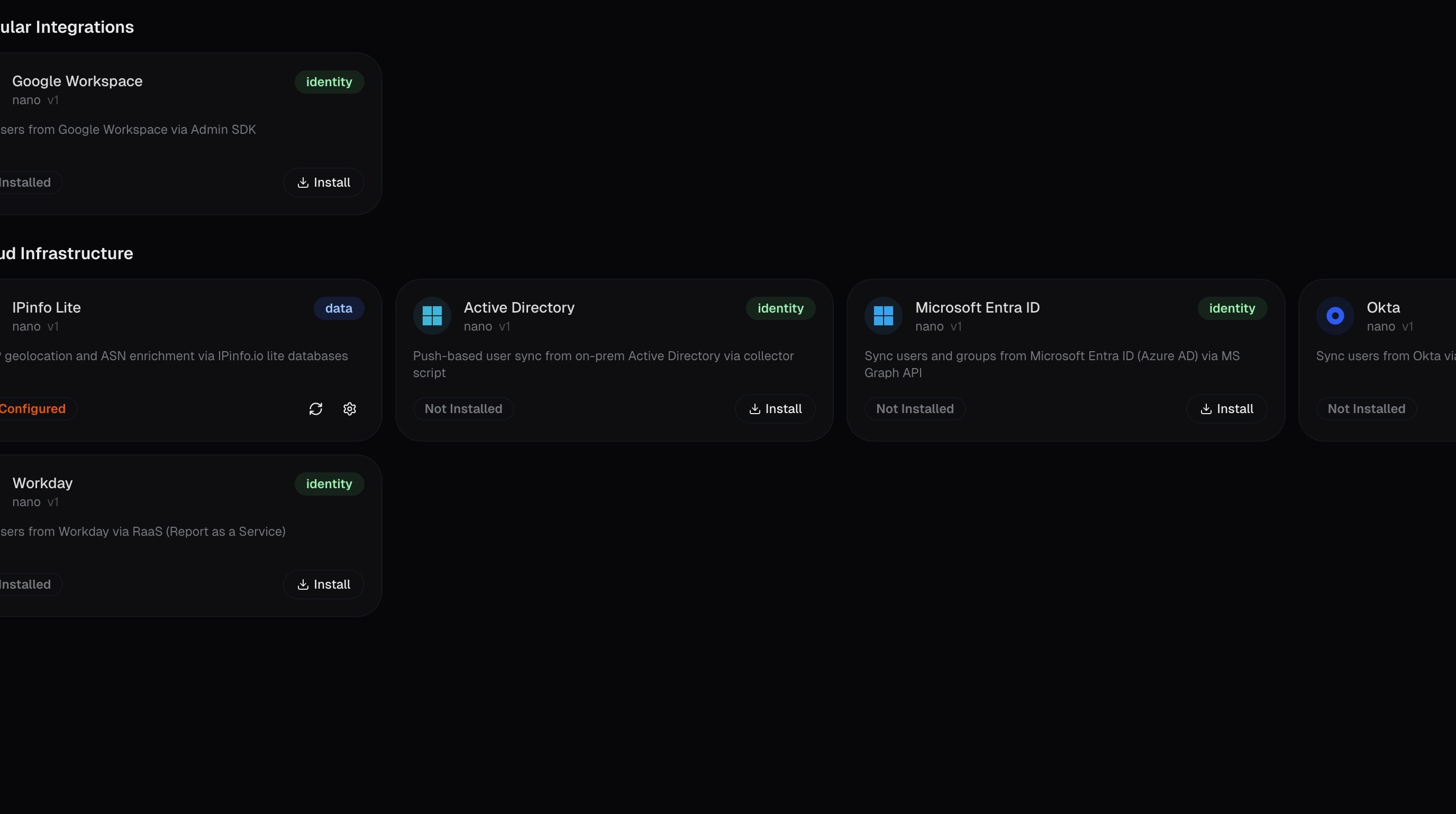
Click Create Custom:
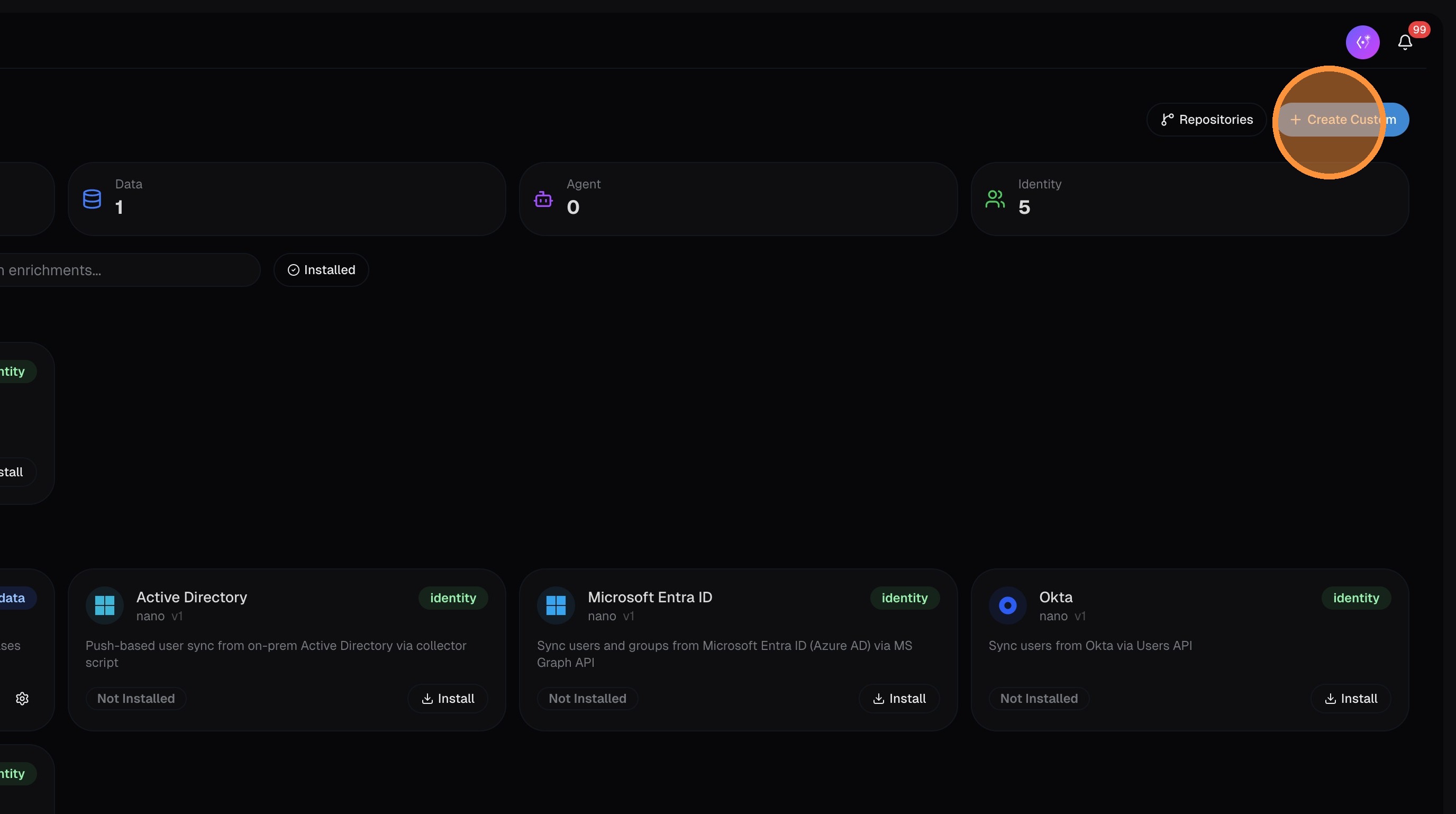
Choose enrichment type
Select the enrichment type. If the data is threat intelligence or IOC-related (IP blocklists, malware hashes, etc.), enable the Threat Intel / IOC toggle — this stores records with IOC flags and populates dedicated IOC columns in your logs.
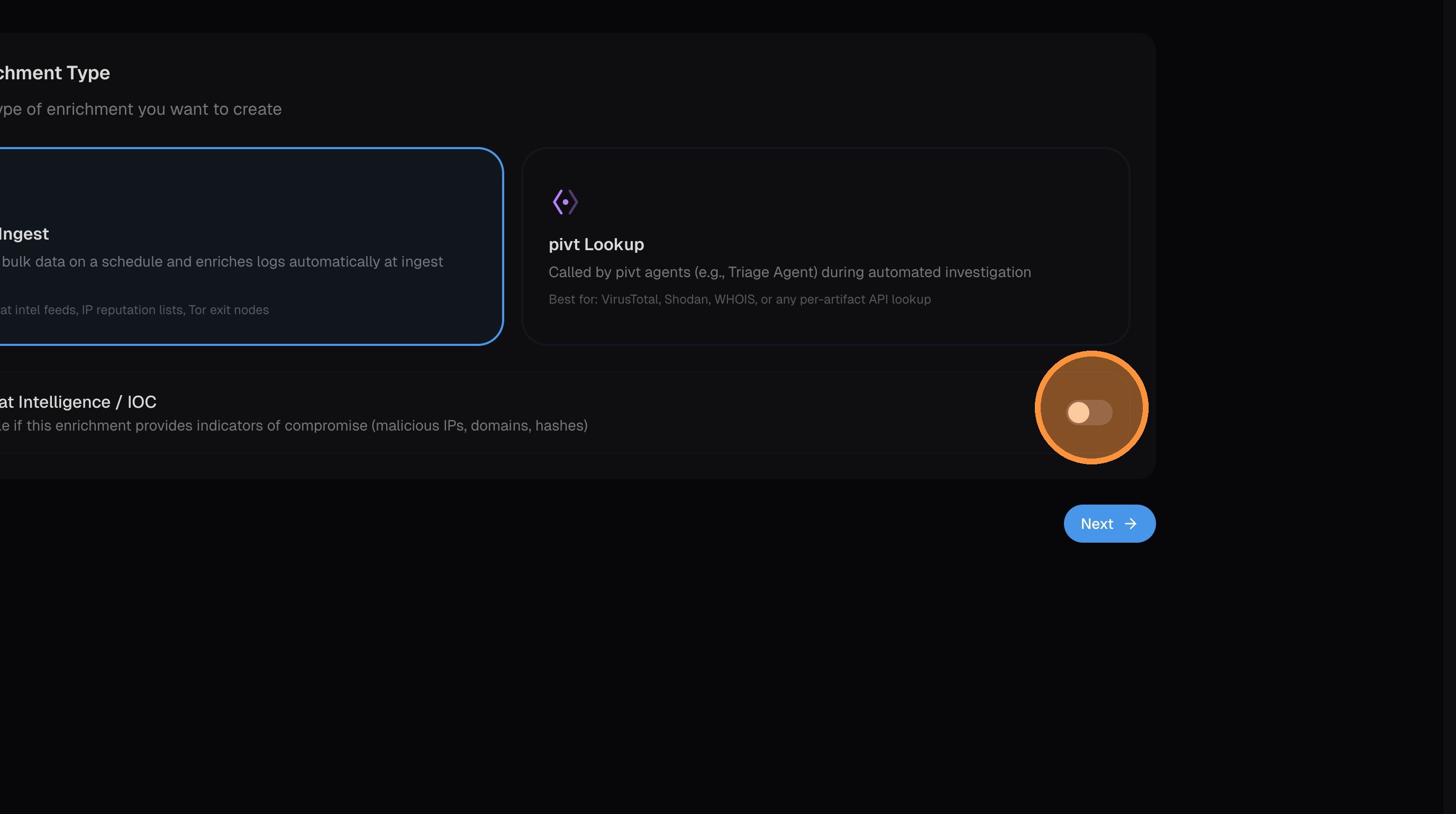
Click Next.
Name and describe the enrichment
Enter a name and description for your enrichment. Choose the key type — this determines what field the enrichment matches against (IP address, domain, hash, URL, etc.):
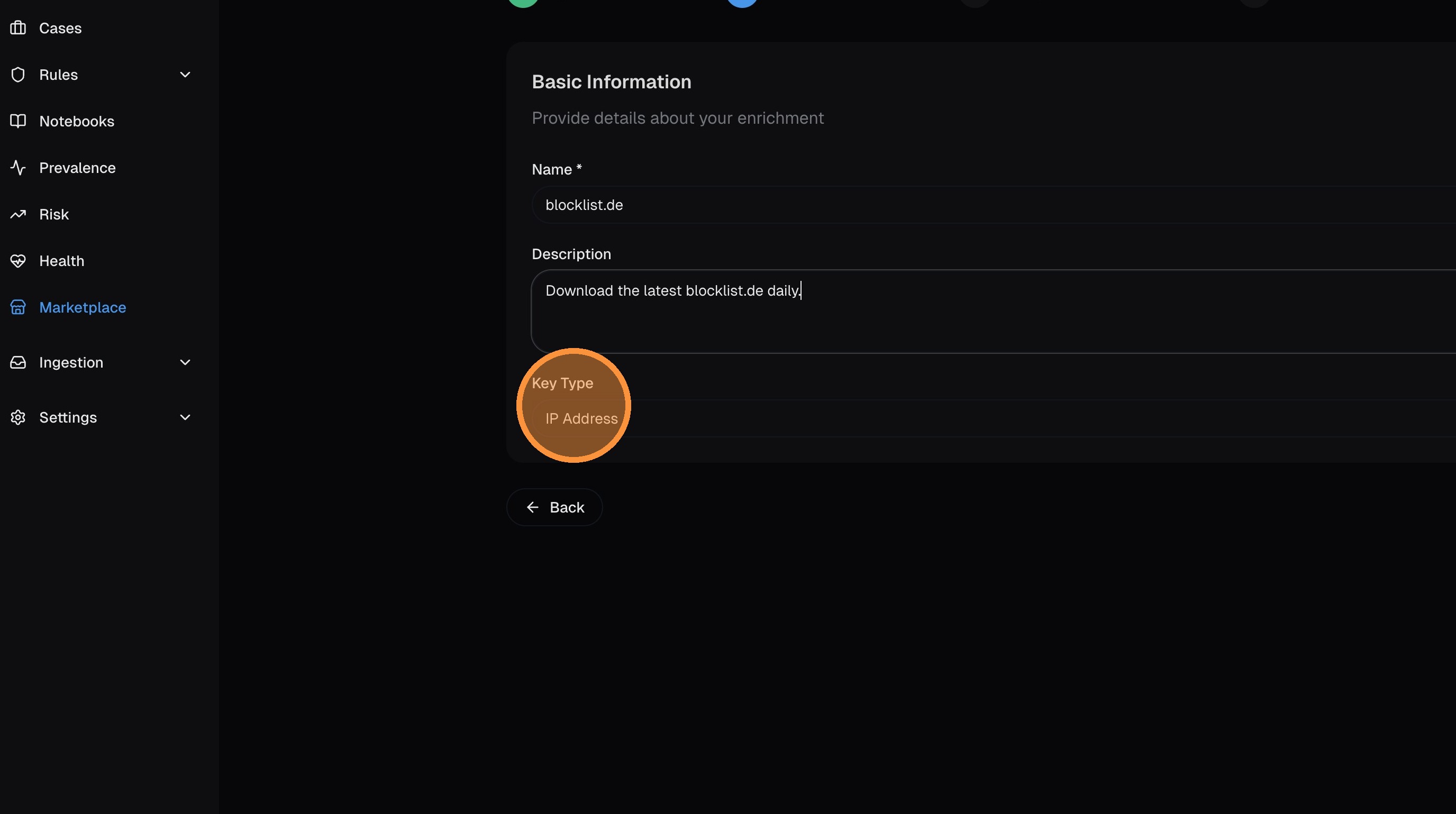
Click Next.
Configure schedule and allowed domains
Set the refresh schedule using a cron expression — this controls how often nano fetches updated data from the source.
Enter the allowed domains that the enrichment code is permitted to contact. The code runs in a sandboxed container that blocks all network access except to domains you explicitly allow.

If you don't add the domain to the allowed list, the container will block the request and the enrichment will fail. Make sure the domain matches exactly (e.g., lists.blocklist.de).
Click Next.
Generate the code with pivt AI
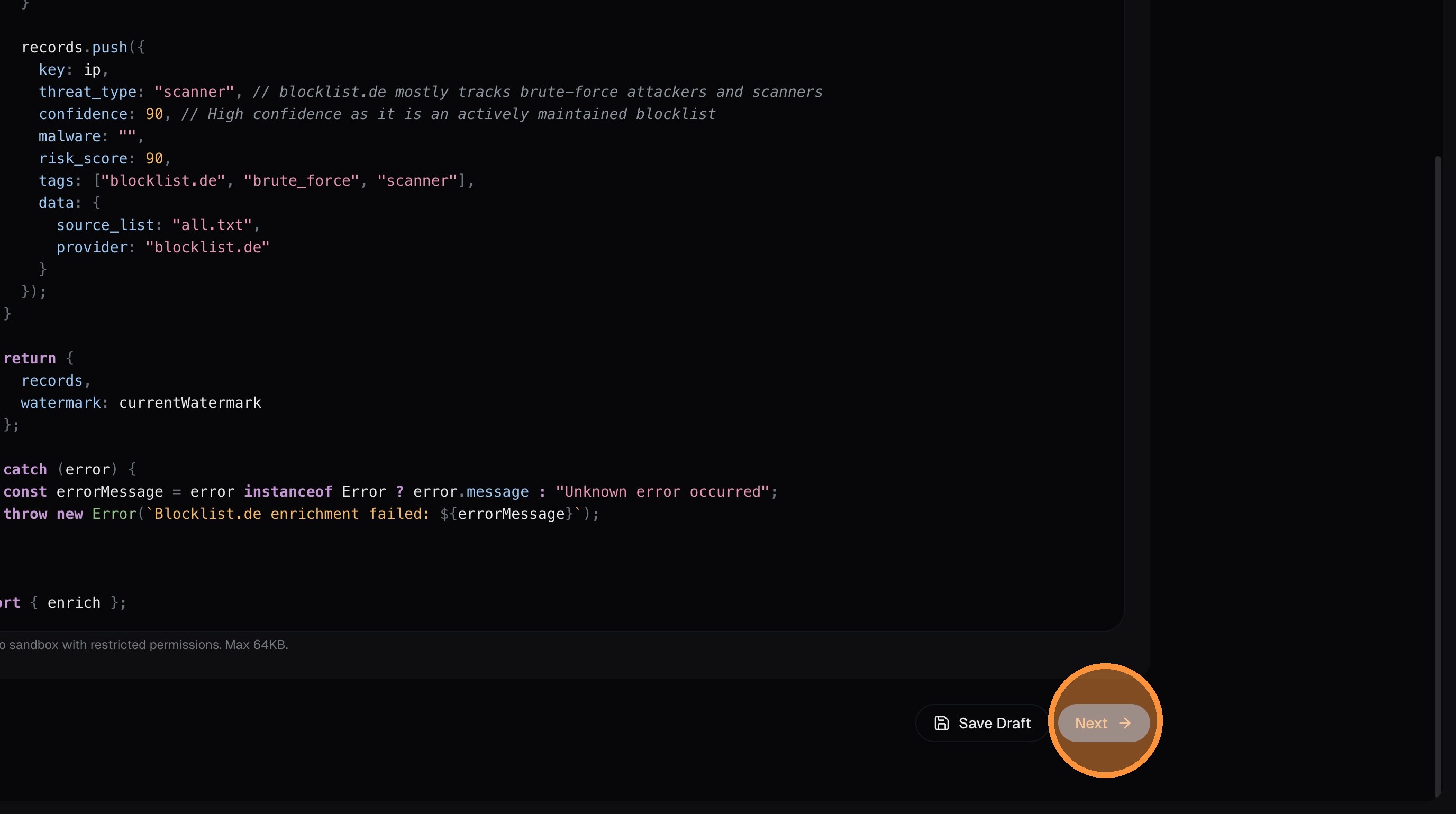
Choose between writing TypeScript manually or having pivt AI generate the code for you. For most enrichments, AI generation is the fastest path.
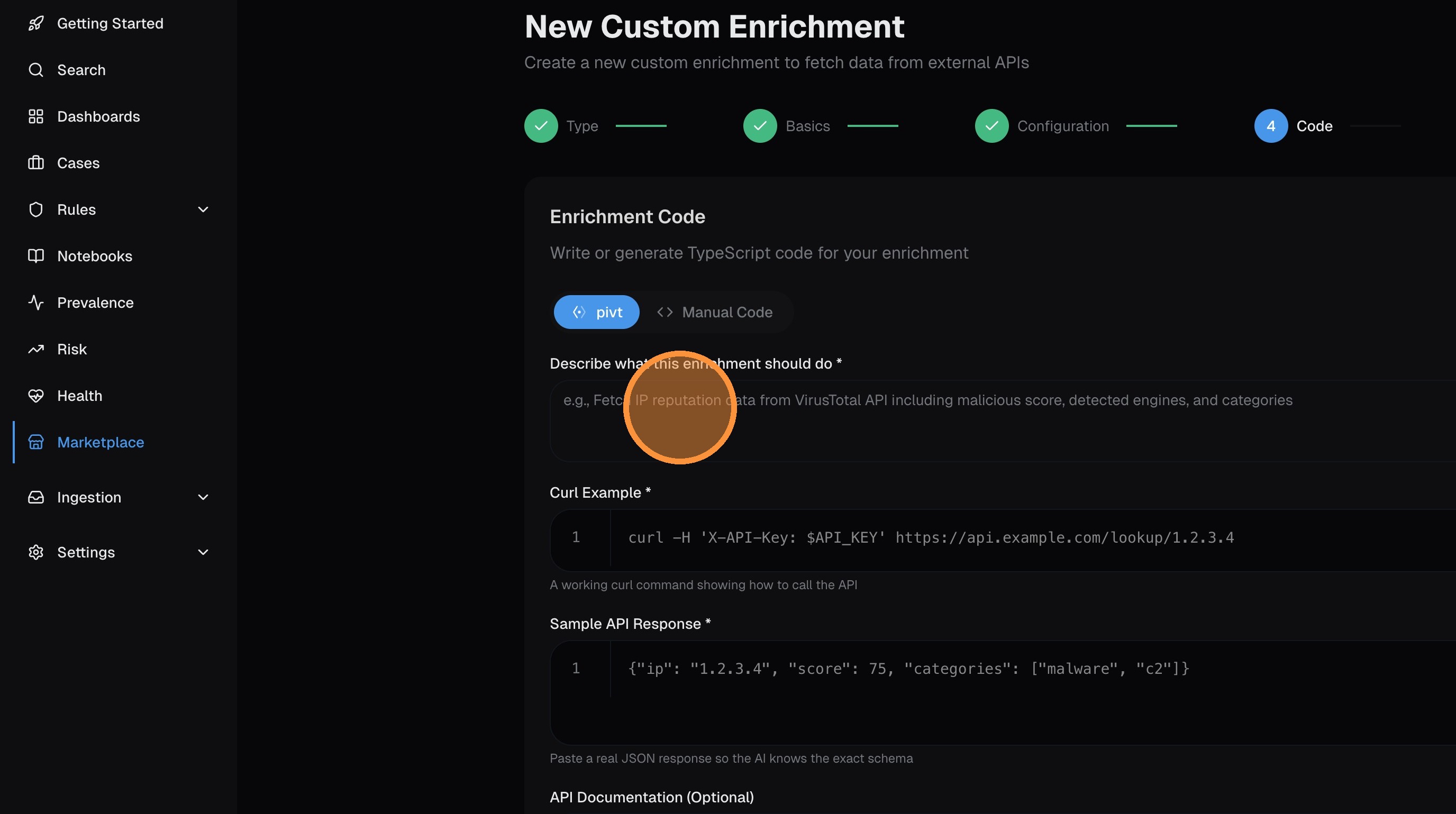
To use AI generation, provide as much context as possible:
- Description — what the enrichment does and what data it fetches
- Curl example — a working curl command showing how to call the API
- Sample API response — paste actual response data so the AI understands the format
- API documentation — any additional docs, swagger specs, or field descriptions
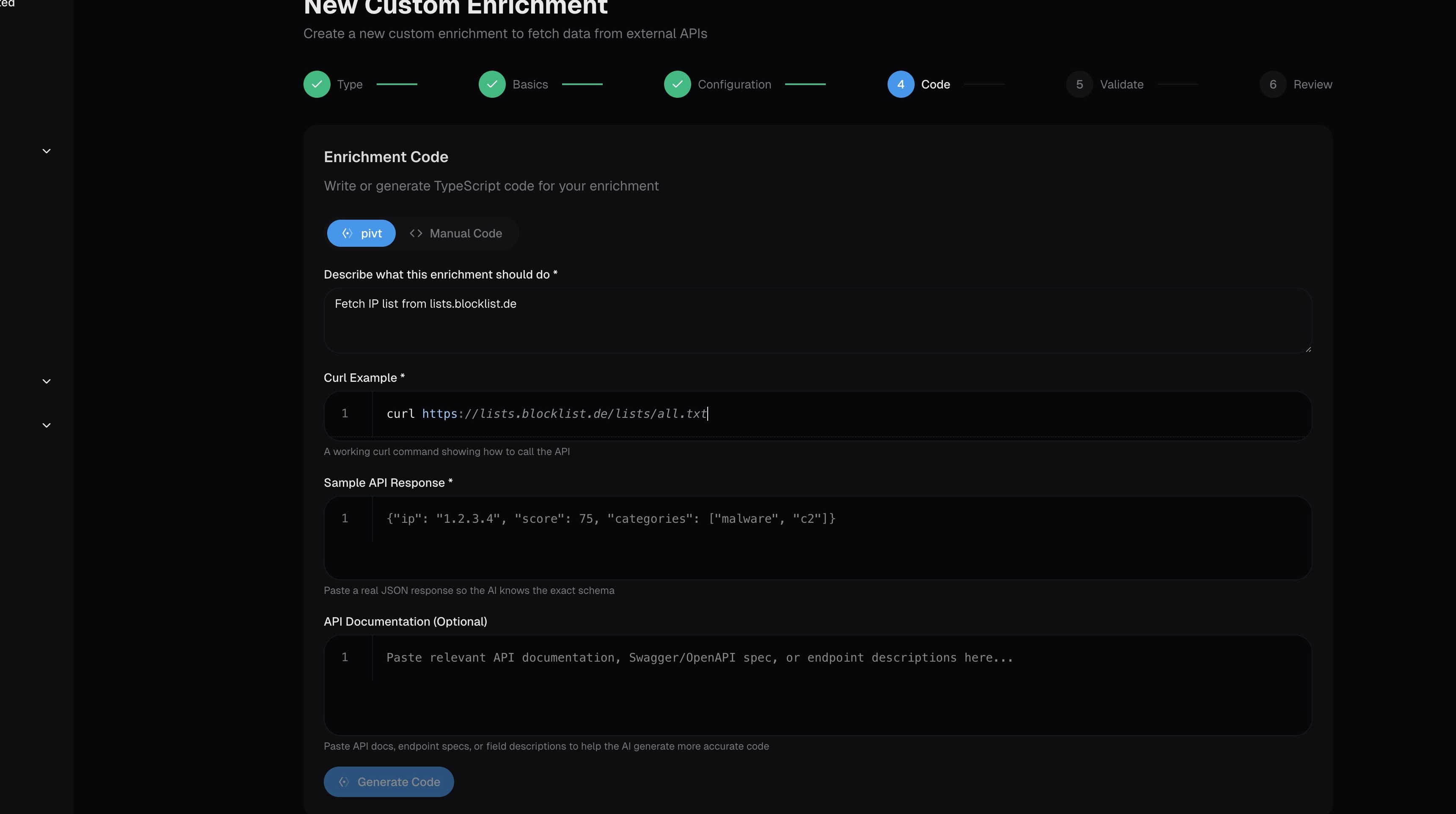
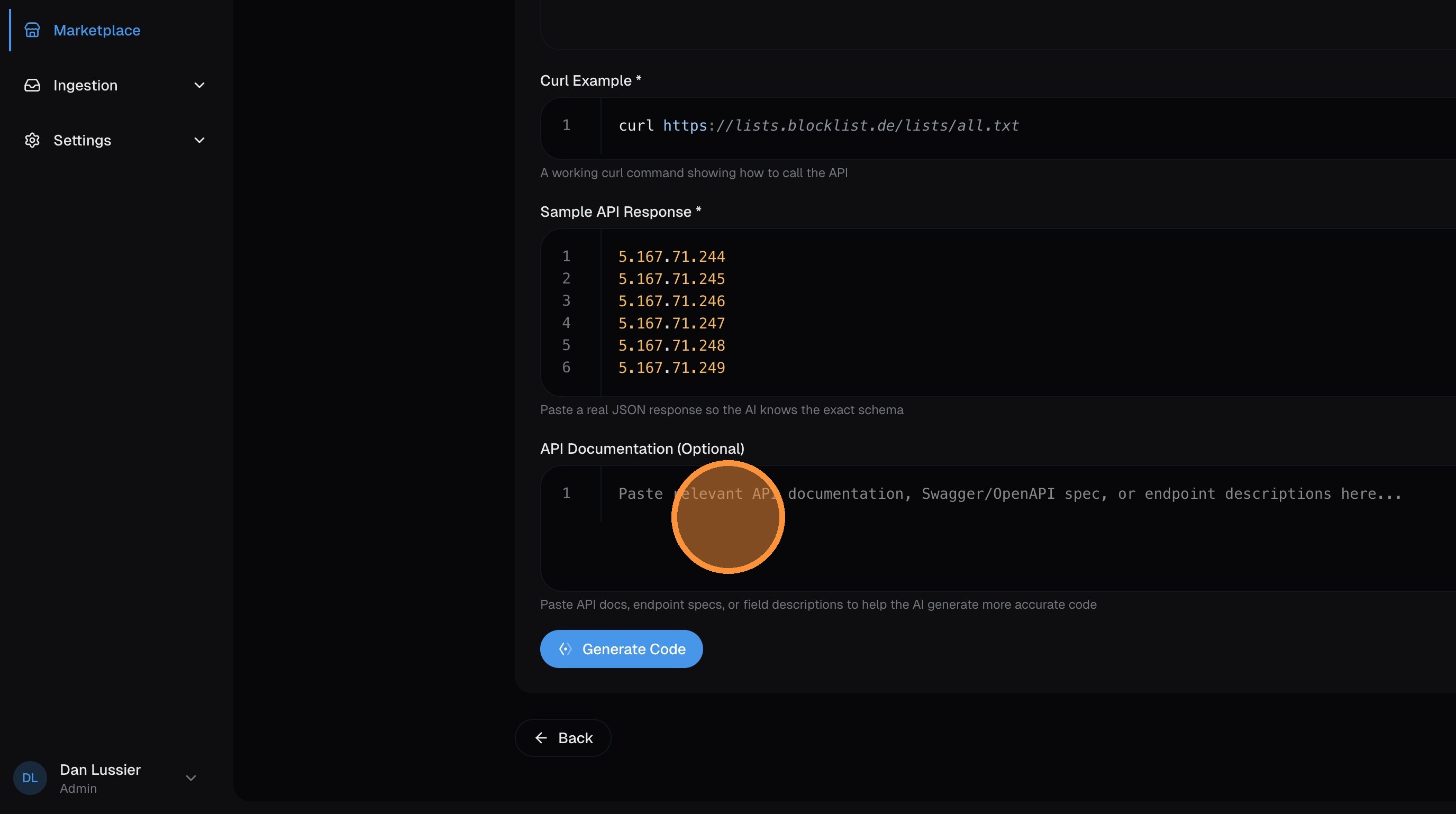
Click Generate Code — pivt analyzes your inputs and writes TypeScript that fetches the data, transforms it, and outputs records in the required format.
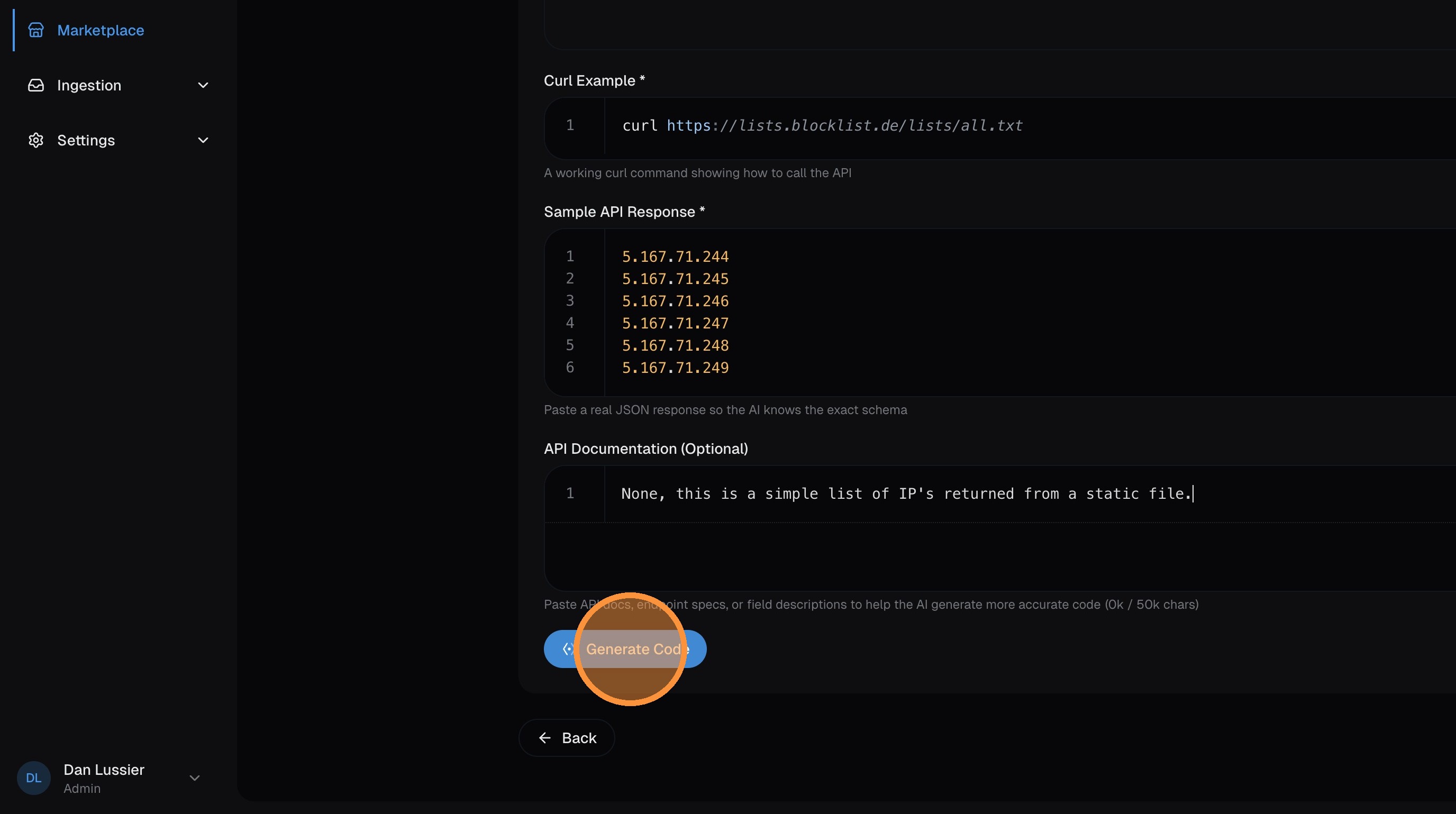
Review the generated code and click Next:
Validate
Click Run Validation — this executes the code in the sandbox against the real API to verify it works and returns valid records:
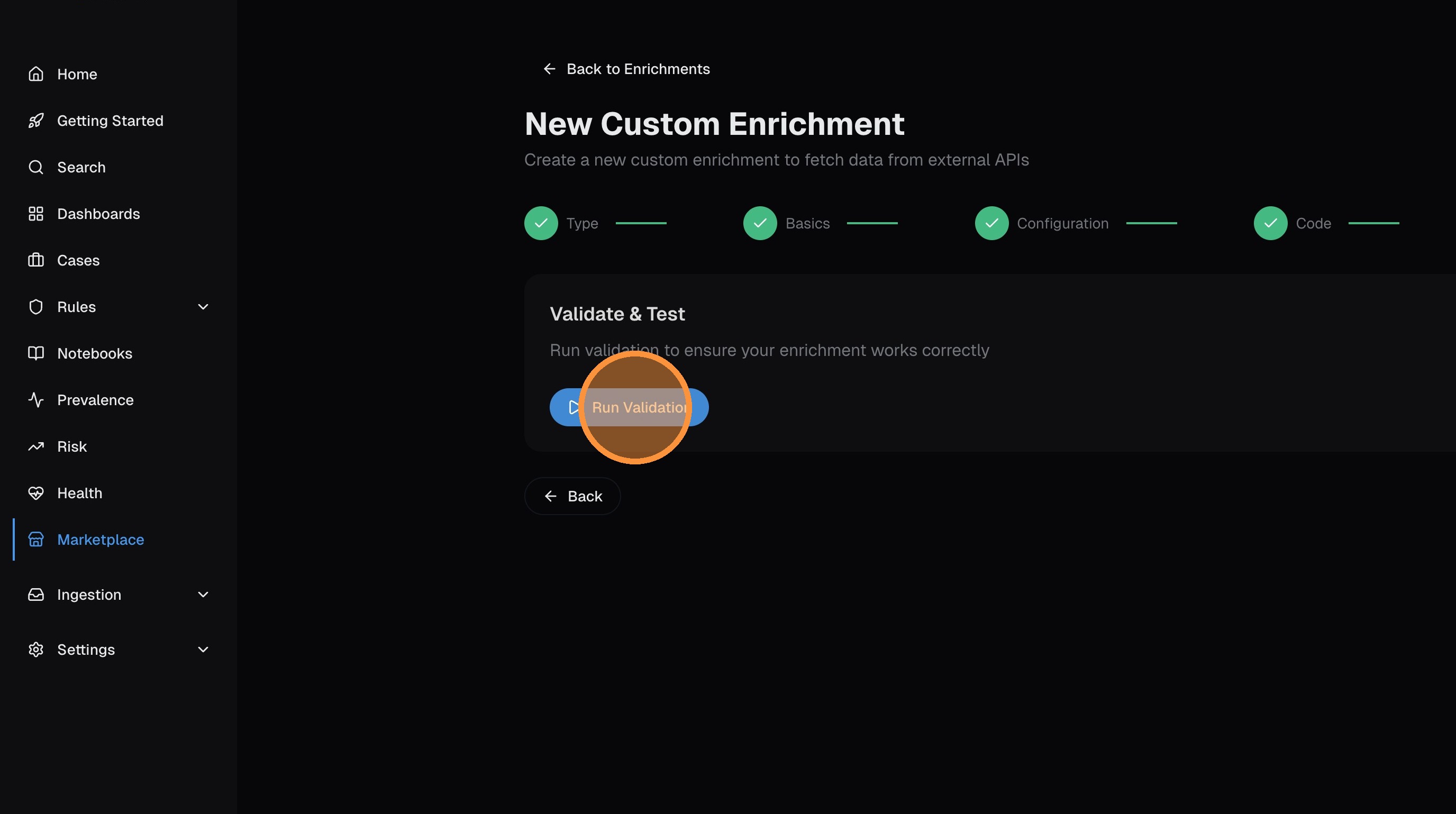
Once validation passes, click Next.
Deploy and install
Click Deploy to package the enrichment:
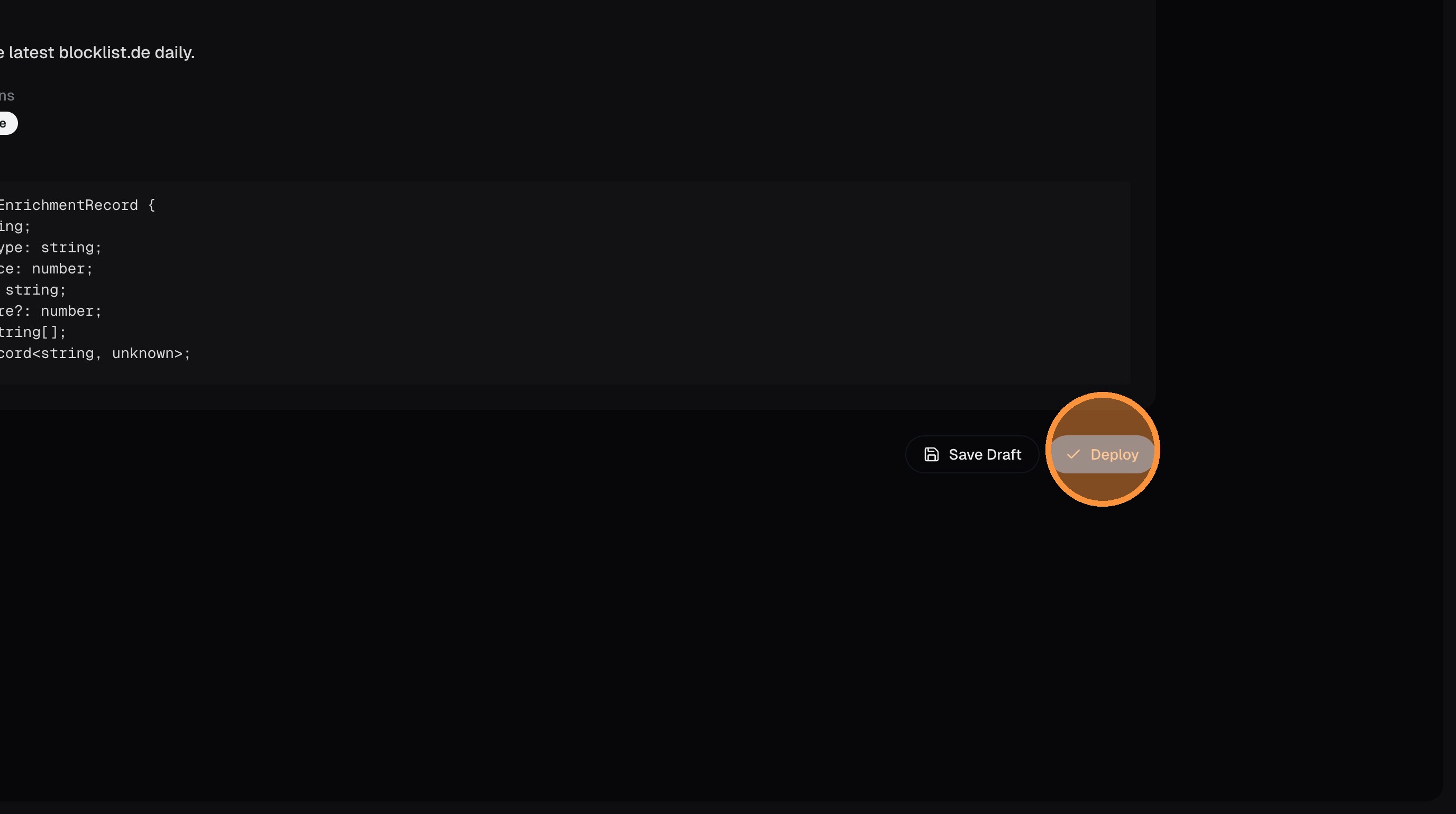
Then click Install to activate it in your environment:
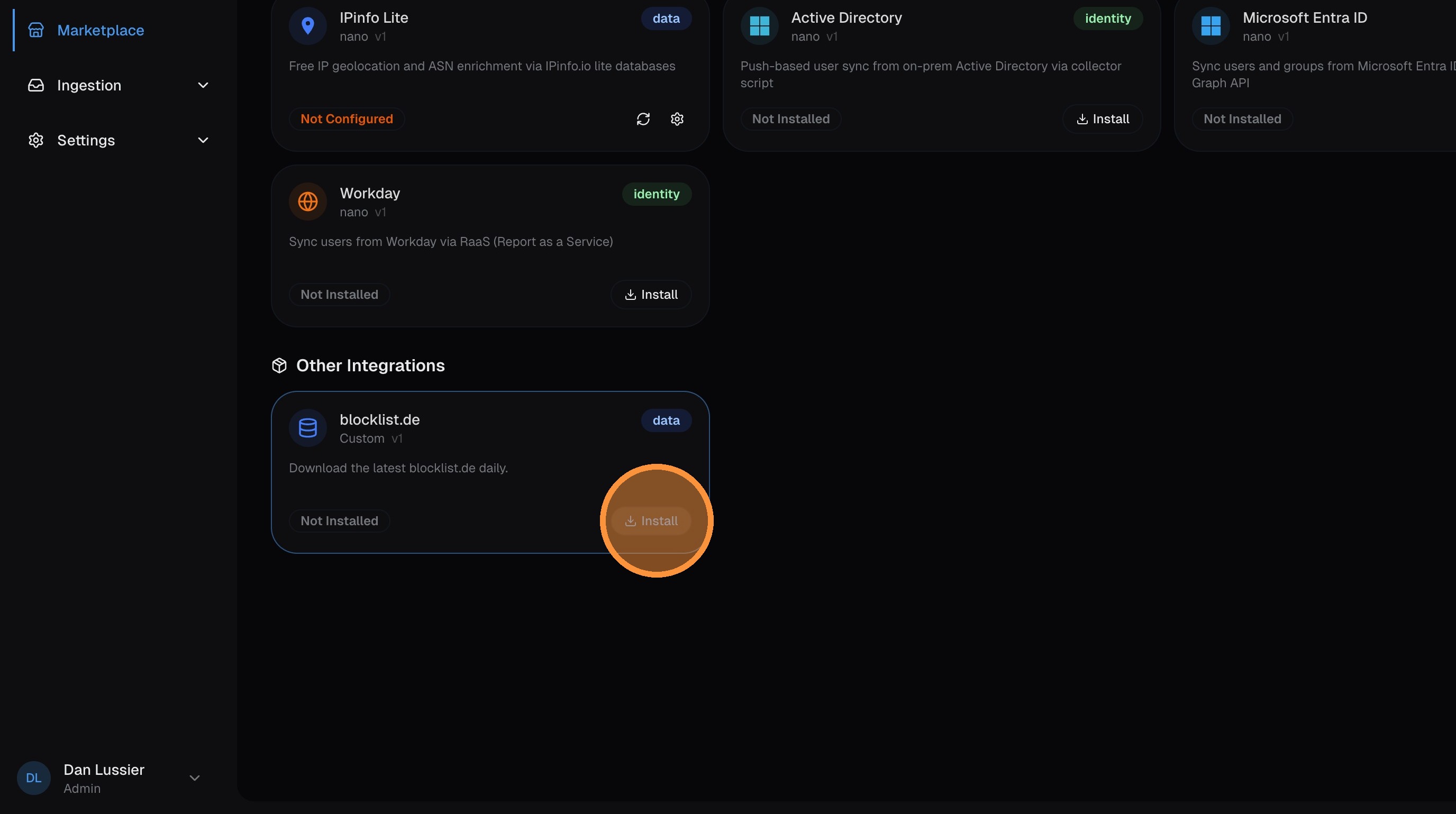
Sync and verify
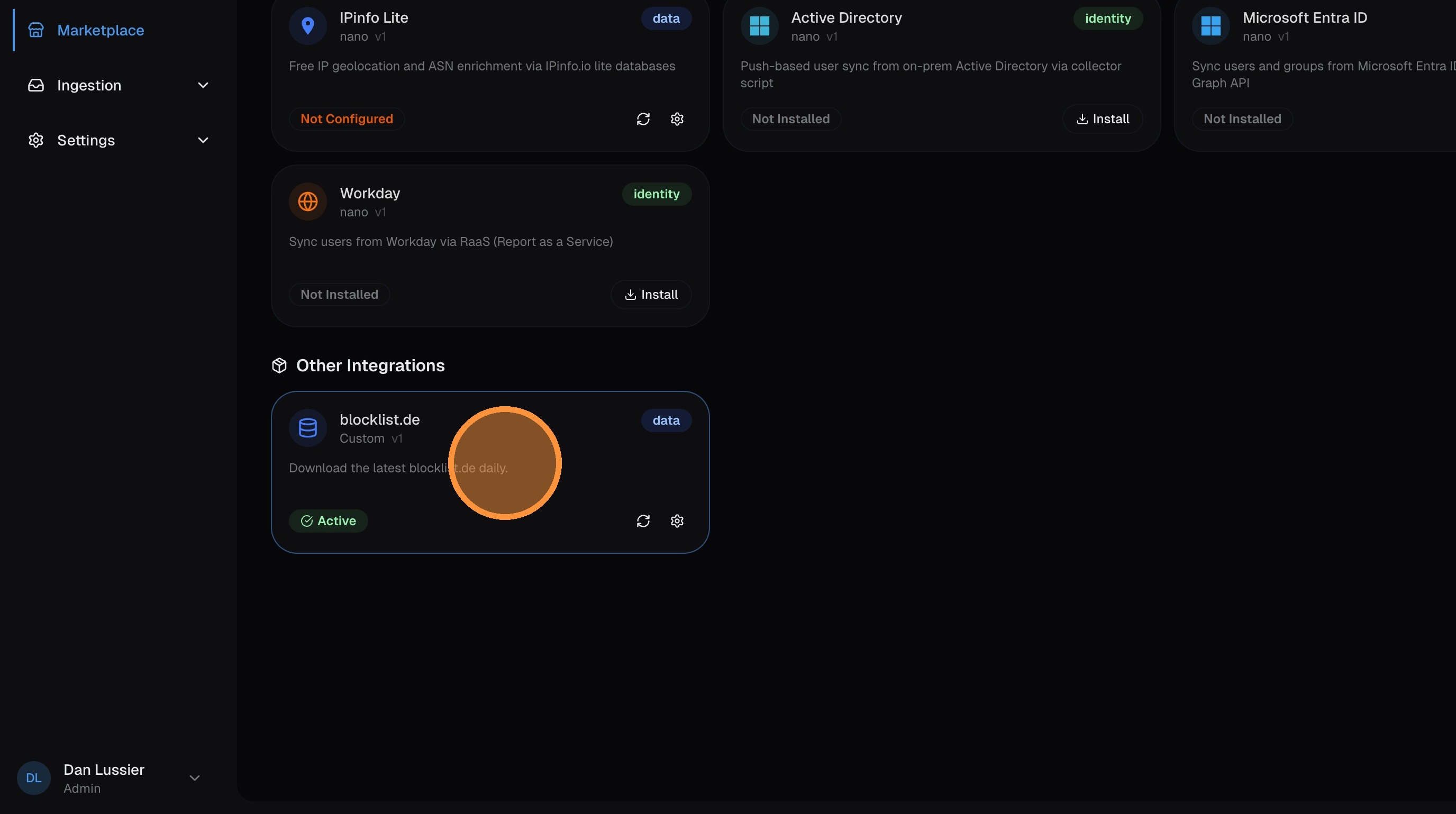
Click on your new enrichment in the Marketplace to open it:
Click Sync Now to run the initial data fetch:
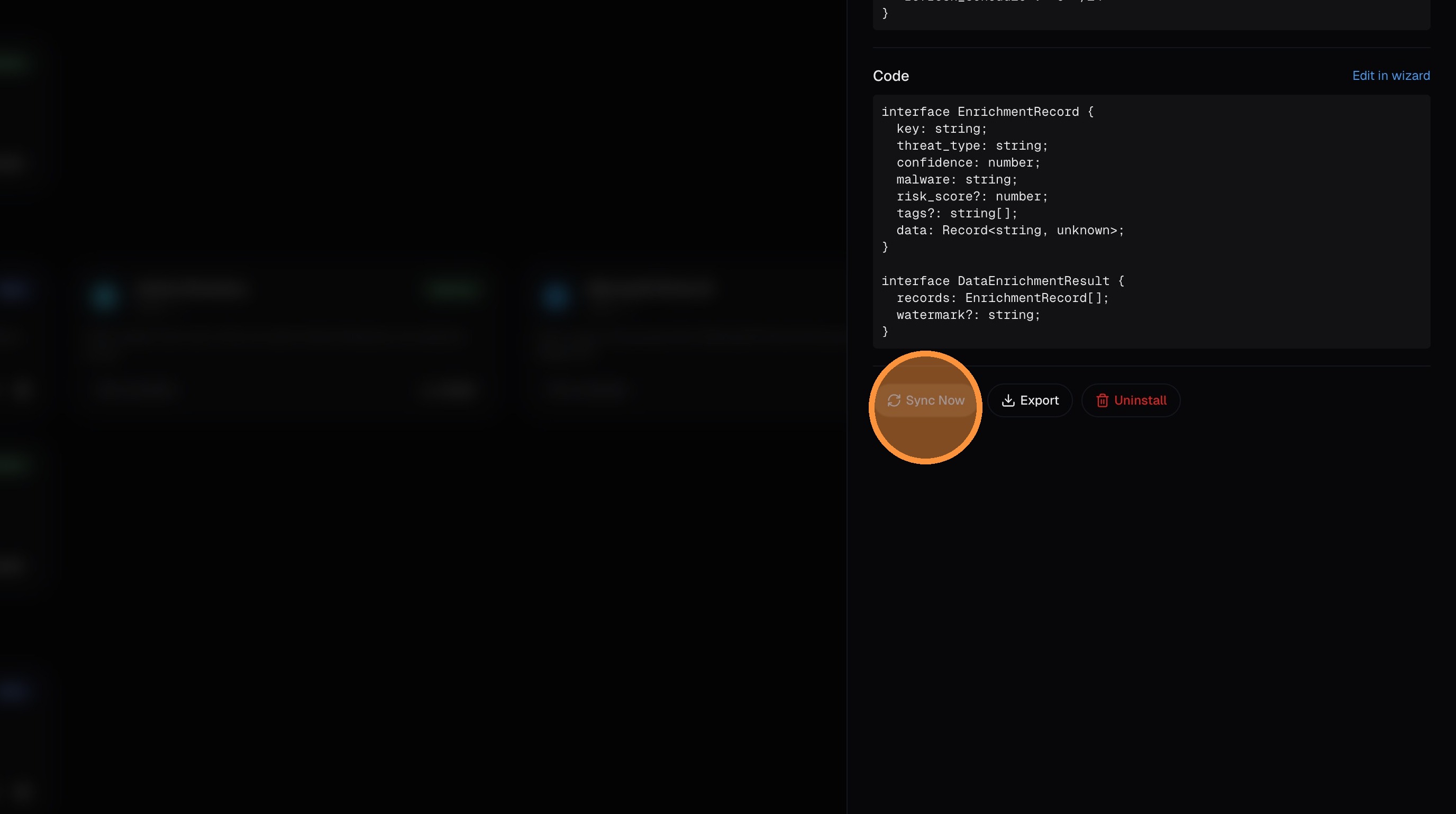
Once the sync completes, the enrichment is active. New logs with matching IPs (or domains, hashes, etc.) will be automatically enriched with the data from your custom source.
Code Structure
Custom enrichments must export an enrich function that returns records in a specific format:
interface EnrichmentRecord {
  key: string;              // The lookup key (IP, domain, hash, etc.)
  risk_score?: number;      // 0-100 risk score
  tags?: string[];          // Tags for categorization
  data?: object;            // Additional metadata

  // IOC-specific fields (required if IOC enrichment)
  threat_type?: string;     // e.g., "malware", "botnet", "anonymizer"
  confidence?: number;      // 0-100 confidence level
  malware?: string;         // Malware family name (if applicable)
}

interface EnrichmentOutput {
  records: EnrichmentRecord[];
  watermark?: string;       // For incremental sync
}
Example: TOR Exit Node Enrichment
export async function enrich(): Promise<EnrichmentOutput> {
  const response = await fetch('https://onionoo.torproject.org/details?flag=Exit');
  const data = await response.json();

  const records: EnrichmentRecord[] = [];

  for (const relay of data.relays) {
    if (!relay.exit_addresses) continue;

    for (const ip of relay.exit_addresses) {
      records.push({
        key: ip,
        // IOC fields at top level
        threat_type: 'anonymizer',
        confidence: 85,
        malware: '',
        risk_score: 75,
        tags: ['tor_exit', 'anonymizer'],
        // Additional metadata in data object
        data: {
          nickname: relay.nickname,
          fingerprint: relay.fingerprint,
          country: relay.country,
          country_name: relay.country_name,
          as_number: relay.as,
          as_name: relay.as_name,
          last_seen: relay.last_seen
        }
      });
    }
  }

  return { records };
}
IOC Enrichments
When creating a threat intelligence enrichment, enable the IOC Toggle. This tells the system to:
- Store records with
is_ioc = 1flag - Populate dedicated IOC columns in the logs table
- Make data available via the IOC dictionary for ingest-time enrichment
Required IOC Fields (must be at top level, not inside data):
| Field | Type | Description |
|---|---|---|
threat_type | string | Category: "malware", "botnet", "phishing", "anonymizer", "scanner", etc. |
confidence | number | 0-100 confidence level |
malware | string | Malware family name (empty string if not applicable) |
Correct Structure:
{
  "key": "1.2.3.4",
  "threat_type": "anonymizer",
  "confidence": 85,
  "malware": "",
  "tags": ["tor_exit"],
  "data": { "extra": "metadata" }
}
Wrong Structure (IOC fields nested in data):
{
  "key": "1.2.3.4",
  "data": { "threat_type": "anonymizer", "confidence": 85 }
}
Enrichment Data Flow
┌─────────────────┐     ┌──────────────────┐     ┌─────────────────┐
│  Custom Code    │────▶│   ClickHouse     │────▶│  Dictionary     │
│  (Deno Sandbox) │     │   Results Table  │     │  (Auto-refresh) │
└─────────────────┘     └──────────────────┘     └─────────────────┘
                                                         │
                                                         ▼
                                               ┌─────────────────┐
                                               │  Log Ingestion  │
                                               │  (Auto-enrich)  │
└─────────────────┘- Code Execution: Your TypeScript runs in a secure Deno sandbox
- Data Storage: Records are stored in ClickHouse
custom_enrichment_resultstable - Dictionary Refresh: ClickHouse dictionaries auto-refresh every 1-5 minutes
- Log Enrichment: New logs are automatically enriched with matching data
Enriched Log Fields
Custom enrichments add these fields to logs:
Non-IOC Enrichments:
custom_src_ip_tags/custom_dest_ip_tags— Tags for IP addressescustom_src_ip_risk/custom_dest_ip_risk— Risk scorescustom_domain_tags/custom_domain_risk— Domain enrichmentcustom_hash_tags/custom_hash_risk— File/process hash enrichmentcustom_url_tags/custom_url_risk— URL enrichment
IOC Enrichments:
custom_ioc_src_ip_threat_type/custom_ioc_dest_ip_threat_typecustom_ioc_src_ip_confidence/custom_ioc_dest_ip_confidencecustom_ioc_src_ip_malware/custom_ioc_dest_ip_malwarecustom_ioc_domain_threat_type/custom_ioc_domain_confidencecustom_ioc_hash_threat_type/custom_ioc_hash_confidence
See Field Reference for the complete custom enrichment field list.
Using Custom Enrichment Data in Queries
Find TOR Exit Node Traffic:
custom_ioc_src_ip_threat_type = 'anonymizer' OR custom_ioc_dest_ip_threat_type = 'anonymizer'High Risk IPs:
custom_src_ip_risk >= 70 OR custom_dest_ip_risk >= 70Tagged Traffic:
has(custom_src_ip_tags, 'tor_exit')Sandbox Security
Custom enrichment code runs in a secure Deno sandbox with:
- Network Restrictions: Only allowed domains can be accessed
- No File System Access: Cannot read/write local files
- Memory Limits: Prevents resource exhaustion
- Execution Timeout: 60 second maximum runtime
- No Shell Access: Cannot execute system commands
Configure allowed domains in the enrichment settings to control external API access.
Run History & Monitoring
Each enrichment tracks:
- Run History: Success/failure status, record counts, timestamps
- Last Run Status: Quick visibility into enrichment health
- Error Messages: Detailed errors for failed runs
- Sample Output: Preview of fetched data
Monitor your enrichments:
- Check the Custom tab for status indicators
- Review Run History for detailed execution logs
- Use Manual Run to test changes before scheduling
Scheduling
"Enrich at Ingest" enrichments can be scheduled to run automatically:
| Schedule | Best For |
|---|---|
| Every 6 hours | Rapidly changing threat feeds |
| Daily | Most threat intelligence sources |
| Weekly | Stable reference data |
Configure the schedule in the enrichment settings after validation passes.
Additional Sources via Custom Enrichments
While nano includes IPInfo Lite, ThreatFox, and TOR Exit Nodes out of the box, you can integrate additional sources using custom enrichments:
- VirusTotal: File hash and URL reputation (requires API key)
- AbuseIPDB: IP reputation and abuse reports
- Shodan: Internet-wide scan data for IP context
- GreyNoise: Internet scanner and noise detection
- URLhaus: Malicious URL database from abuse.ch
- MaxMind GeoIP: Enhanced geolocation data
Limits & Scaling
There is no hard cap on the number of custom enrichments you can create — they're available on all tiers with no count restriction. Here are the per-execution and system-level limits to be aware of:
Per-Execution Limits
| Resource | Limit |
|---|---|
| Execution timeout | 10 minutes (default, configurable per enrichment) |
| Memory (V8 heap) | 1 GB |
| Code size | 1 MB |
| Allowed domains | 10 per enrichment |
System Limits
| Resource | Limit |
|---|---|
| Concurrent executions | 10 sandboxes at once |
| Data retention | 7 days — results older than 7 days past expiry are automatically cleaned up |
| Dictionary refresh | Every 1-5 minutes (ClickHouse manages this automatically) |
Scaling Guidance
- 20-50 enrichments — no issues on any tier. Stagger cron schedules so they don't all fire simultaneously.
- 50-100 enrichments — still fine. The 10-concurrent limit means at most 10 run in parallel; the rest queue. Spread schedules across different minutes.
- 100+ enrichments — works but monitor queue depth. If many enrichments share the same cron schedule, some will wait for a sandbox slot.
Each enrichment's results are deduplicated by key — if the same IP/domain/hash appears in multiple syncs, only the latest version is kept. This means storage is bounded by the number of unique keys across your enrichments, not by the number of syncs.
Best Practices
- Start with AI generation — let pivt generate initial code, then customize
- Test thoroughly — use the validation feature before deploying
- Monitor run history — check for failures and investigate errors
- Stagger schedules — avoid scheduling many enrichments at the same minute to stay within the 10-concurrent limit
- Keep code simple — simpler code is easier to debug and maintain
- Handle errors gracefully — add try/catch blocks for API failures
- Filter to relevant data — only return records you actually need to keep execution fast and storage lean
Next Steps
- Field Reference — Custom enrichment field reference
- Architecture — How custom enrichment data flows through the system
- Troubleshooting — Debug custom enrichment issues